Overview
Every smart TV box ships with the same hardware story: a chipset, some memory, a remote, a box. What actually decides whether a customer keeps the device or returns it is the first screen they see. On an Android TV device that screen is the launcher, and it is the one piece of software a viewer touches every single session.
For an OEM shipping white-label boxes, an ISP bundling a set-top box with a broadband plan, or an OTT platform launching its own hardware, the stock launcher is rarely the right answer. It promotes someone else's content, buries your apps, and gives you no way to merchandise your own catalogue. A custom launcher is how you take that screen back — and it is a software problem, not a hardware one.
This guide covers what launcher customization actually involves on Android TV, where the real constraints sit, and how to scope a project before committing to a device programme.
What is a custom Android TV launcher?
A launcher is an ordinary Android application that declares itself the system home experience. It registers an intent filter for the home category, and the platform then treats it as the screen the device returns to whenever a user presses the home key or the device finishes booting.
On Android TV that ordinary app has to satisfy some very un-ordinary requirements. There is no touchscreen, so every element must be reachable with a directional pad. The viewer sits three metres away, so type and spacing follow 10-foot UI rules rather than mobile ones. And because the launcher is the process the system falls back to, it has to start fast and never crash — a launcher that dies takes the whole user experience with it.
Why the Android TV launcher matters
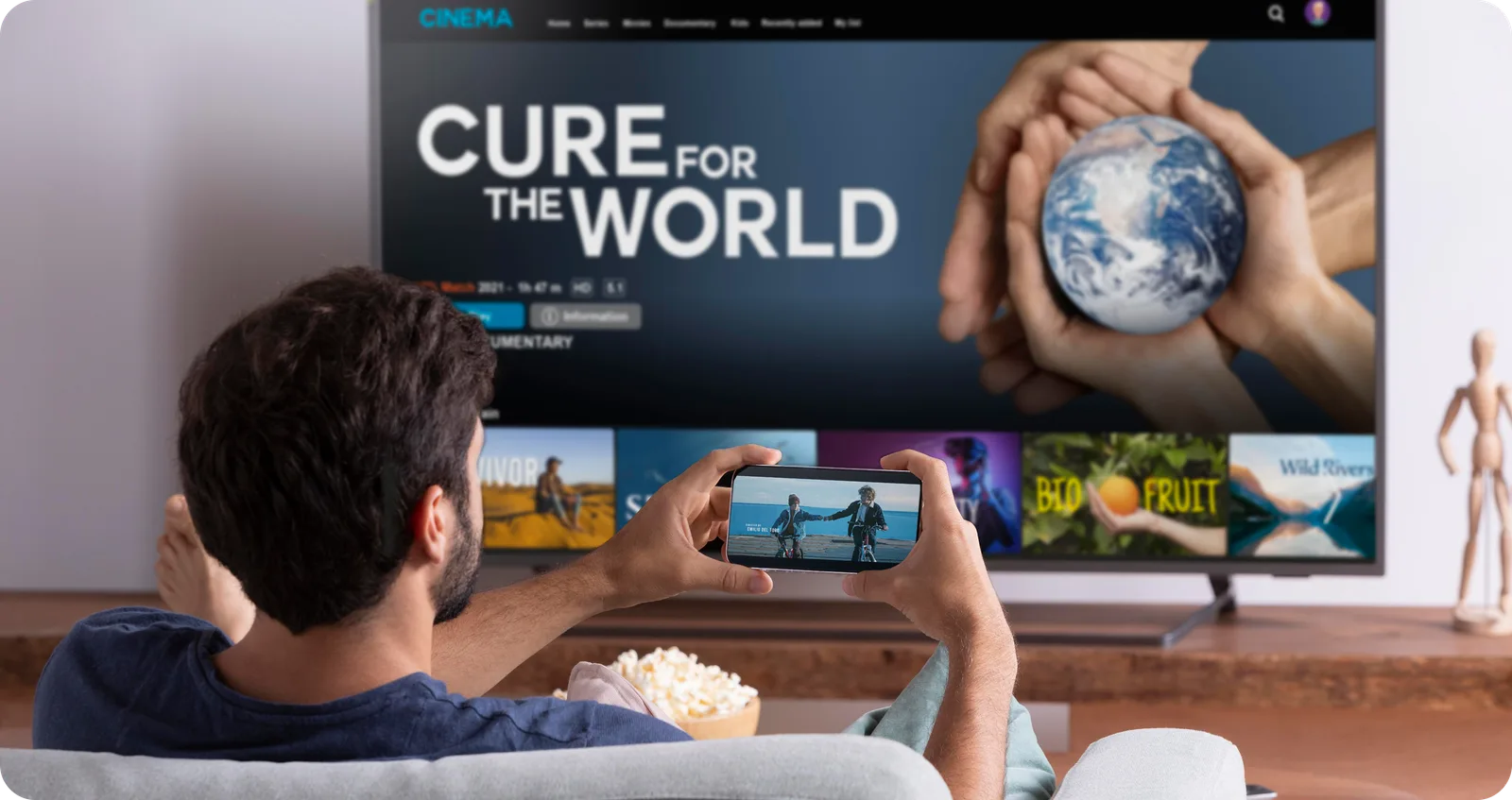
The launcher is the only screen guaranteed to be seen on every device, in every session, by every user. That makes it the most valuable real estate in the entire product.
It is your brand, not the platform's
A stock home screen presents platform-curated content. Your own apps become icons in a row somewhere below. For an operator who has spent money acquiring content rights, that is an odd outcome: the catalogue you paid for competes for attention with recommendations you do not control.
It drives the numbers you are measured on
Placement drives engagement. If your VOD app sits in the first rail with real artwork behind it, it gets opened. If it sits in an app drawer three D-pad presses away, it does not. Churn, ARPU, and content utilisation all trace back to what the home screen chose to show.
It is where support costs are won or lost
Devices get returned because people cannot find things. A launcher built around the actual service — with a clear route to live TV, to the catch-up catalogue, to account settings — reduces calls in a way no amount of hardware polish achieves.
When OEMs and operators need launcher customization
Launcher work is not always the right investment. It becomes worthwhile when one of these is true:
- You are shipping hardware under your own brand and need the software to match it
- You bundle a subscription with the device and want the service to lead the experience
- You carry your own content catalogue and need to merchandise it on the home screen
- You manage a fleet remotely and need configuration to be changeable without a firmware update
- You are deploying into a controlled environment — hotels, hospitals, offices — where the standard consumer experience is wrong
If you are simply reselling a reference design and the stock experience is acceptable, launcher development is premature. The moment you need control over placement, branding, or configuration, it stops being optional.
Typical use cases
OEM and ODM smart TV boxes
A manufacturer producing boxes for multiple regional brands needs one launcher codebase that can be themed and reconfigured per customer without forking. The work here is as much about the configuration layer as the UI.
ISP and pay-TV operator boxes
An operator bundling a box with broadband wants live TV, catch-up, and the app catalogue presented as one coherent service rather than three separate apps. This usually means integrating an existing middleware or entitlement backend into the home screen itself.
OTT and streaming platforms
A platform shipping its own device wants the home screen to be the platform — content rails driven by the same recommendation service that powers the mobile and web apps.
Hospitality and enterprise deployments
Hotels, hospitals, and corporate campuses need a locked-down launcher: a welcome screen, a fixed set of permitted apps, no route into system settings, and centrally pushed configuration. The requirements are almost the opposite of consumer, and the hardening matters more than the visuals.
What can be customized
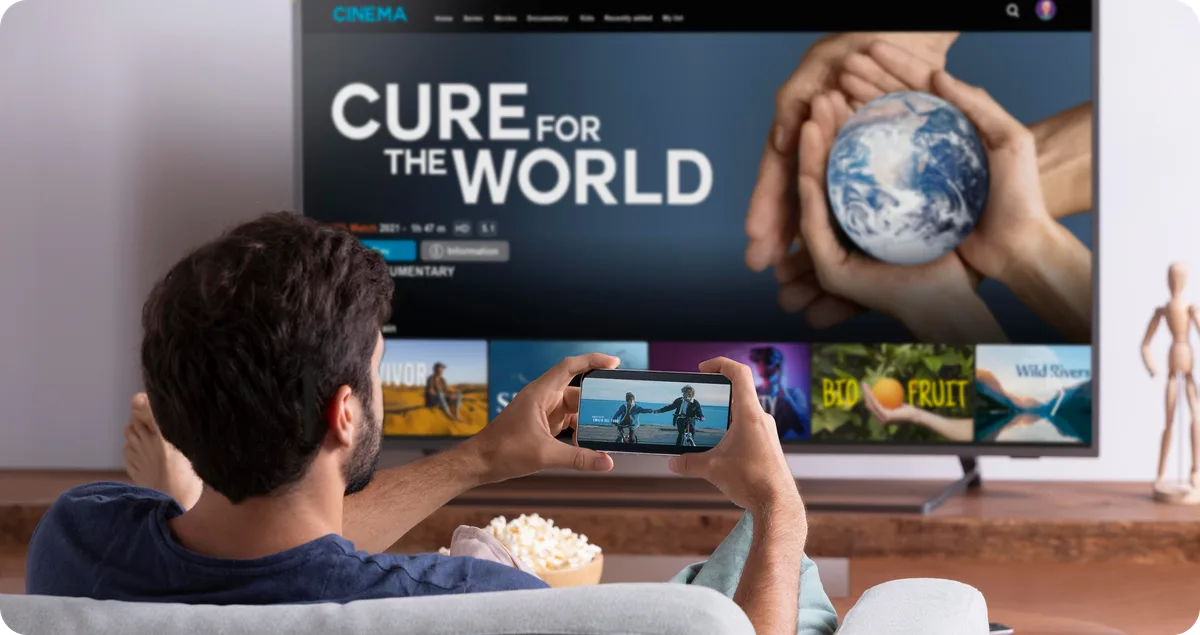
Almost everything above the platform layer is in scope. In practice a launcher programme touches:
- Home screen layout — rail structure, ordering, and what occupies the hero position
- Brand identity — colour system, typography, iconography, motion language
- App rows and shortcuts — which apps appear, in what order, and which are pinned
- Content rails — dynamic rows populated from your catalogue or recommendation service
- Remote-control navigation — the full D-pad focus model, including how focus behaves at rail edges and after content reloads
- Boot and startup experience — boot animation, first-run setup, provisioning and sign-in
- App pre-installation — which applications ship on the image and which are updatable
- Backend and admin configuration — a console for changing rails, promos, and app lists without shipping firmware
- Analytics and update workflows — usage reporting, and how the launcher itself receives updates
The two most commonly underestimated items on that list are focus behaviour and the configuration backend. Focus is where TV apps genuinely feel broken when it is wrong — focus escaping a rail, or jumping back to the first item after data reloads, is immediately obvious to a viewer and surprisingly involved to get right. And without a configuration backend, every merchandising change becomes a firmware release.
The platform constraint worth understanding early
This is the detail that most often reshapes a project plan, so it is worth being direct about it.
Android TV devices broadly fall into two categories, and launcher freedom differs sharply between them:
GMS-certified Android TV / Google TV devices ship with Google Play and Google services. That certification comes with requirements about the home experience, and replacing the system launcher outright is generally not something an OEM can decide unilaterally — it depends on the agreements in place with Google. On these devices, customization more often means working with the platform home screen: publishing channels and programme rows through the platform's APIs, shipping a well-integrated app, and controlling the parts you are entitled to control.
AOSP-based Android devices without Google services carry no such constraint. Here the launcher can be fully replaced, signed with the platform key, and given privileged permissions. Most white-label box and IPTV set-top box programmes sit in this category, which is why full launcher replacement is common there and rare on certified retail TVs.
Getting this classified correctly in week one prevents designing an experience that cannot legally or technically ship on the target hardware. Certification and licensing themselves sit with the OEM or operator who owns the device programme — a software partner can build to those requirements but cannot grant them.
How CodeDTX approaches Android TV launcher projects
CodeDTX works with OEMs and operators around the software layer: launcher UX, OTT integrations, backend workflows, QA, and deployment support.
Discovery and product definition
We start by classifying the device programme — AOSP or certified, Android version, signing key ownership, remote layout, DRM requirements — because those answers constrain everything downstream. Then we map the service: what content exists, which backends hold it, and what the home screen needs to surface.
TV-first interface design
Designs are produced for the 10-foot viewing distance from the outset, with focus states, overscan safe areas, and the full D-pad traversal model specified rather than left to implementation. A TV layout that was designed as a mobile layout and stretched is recognisable instantly.
Launcher development
Implementation of the launcher application itself: home experience, rails, app management, settings, boot and first-run flows, and the focus and key-handling model that makes it navigable with nothing but a remote.
OTT app and backend integration
Wiring the launcher to real systems — content APIs, recommendation services, entitlement and authentication, EPG data — and building the configuration layer that lets you change merchandising without a firmware push.
QA on real devices and real remotes
Testing on target hardware across the remote variants you actually ship, because D-pad behaviour, key codes, and performance differ between chipsets in ways an emulator will not reveal.
Handoff and deployment support
Build integration, signing, image handoff, documentation, and support through device certification and rollout.
OEM and CodeDTX responsibility split
Clear boundaries prevent the classic device-programme failure where nobody owns the integration. A typical split:
| Area | Owner |
|---|---|
| Hardware, chipset, BSP and firmware | OEM |
| Platform signing keys and system image | OEM |
| Device certification and licensing | OEM |
| Content rights and entitlement rules | Operator |
| Launcher UX and interface design | CodeDTX |
| Launcher application development | CodeDTX |
| OTT, backend and EPG integration | CodeDTX |
| Admin and configuration tooling | CodeDTX |
| Functional and remote-control QA | CodeDTX |
| Build integration and image handoff | Joint |
| Field rollout and OTA updates | Joint |
Questions to answer before you start
Scoping goes much faster when these are settled up front:
- Is the device GMS-certified Android TV, or an AOSP build?
- Which Android version, and which chipset and reference platform?
- Who holds the platform signing keys?
- Does the launcher need privileged or system-level permissions?
- Which applications must be preinstalled, and which must be updatable?
- What DRM level is required for your content, and does the hardware support it?
- How many remote-control variants ship, and do their key maps differ?
- Which backend holds the content, and does an API already exist for it?
- How will the launcher itself be updated after devices are in the field?
- Which regions and languages are in scope at launch?
If several of those are still open, that is normal — establishing them is the first phase of work, not a prerequisite for talking.
Build an operator-ready Android TV experience with CodeDTX
The launcher is the product as far as your customer is concerned. Getting it right is a software programme with real constraints — platform certification, focus behaviour, backend integration, device QA — and it benefits from a team that has worked inside those constraints before.
If you are planning an Android TV device programme, or you have hardware shipping and a home screen that is not serving the service on it, get in touch. We will start with the device classification and the service map, and give you a scoped view of what the launcher work actually involves.